
Booking operations
Day and week views, status clarity, and permission-aware actions for the front desk.
Scheduling, customers, memberships, payments, and day-to-day operations — one calm workspace for service businesses.
Resources, staff, buffers, capacity, and timezones — not a thin calendar widget.
Isolated workspaces, roles, and audit trails so each business stays in its own lane.
Packages, memberships, promotions, and payments with ledger-friendly history.
Check-in, notifications, and attention queues that keep the floor moving.
Product
A focused workspace for booking, customers, payments, and the moments that keep a venue running.
Day and week views, status clarity, and permission-aware actions for the front desk.
Profiles, package balances, and membership status in one place.
Verification queues, QR check-in, and clear next steps for unpaid bookings.
Reminders and operational jobs that reduce busywork without hiding failures.
Bookings, revenue, and utilization grounded in real ledger data.
Locations, resources, and staff — with platform tools that stay out of tenant data by default.
The same generic platform powers services, spaces, staff appointments, and capacity sessions — configured per workspace, never hard-coded into the core.
01
Timed appointments with staff or rooms — clinics, salons, and consultations.
02
Courts, meeting rooms, and equipment with conflict-safe availability.
03
Provider calendars, buffers, and assignment that match how teams actually work.
04
Classes and group sessions with participant limits and waitlists.
Getting started
A guided path that stays honest about what you configure — and what you can polish later.
Pick a plan trial, name your business, and land in a calm setup flow.
Register → onboarding wizard
Locations, services, resources or staff, hours, and branding — preview as you go.
Catalog · Schedules · Brand
Share your public page, take bookings, and run the day from the workspace dashboard.
Public storefront · Dashboard
Live demos
These are labeled demo tenants with synthetic imagery — useful for exploring storefronts and operations, not customer references.
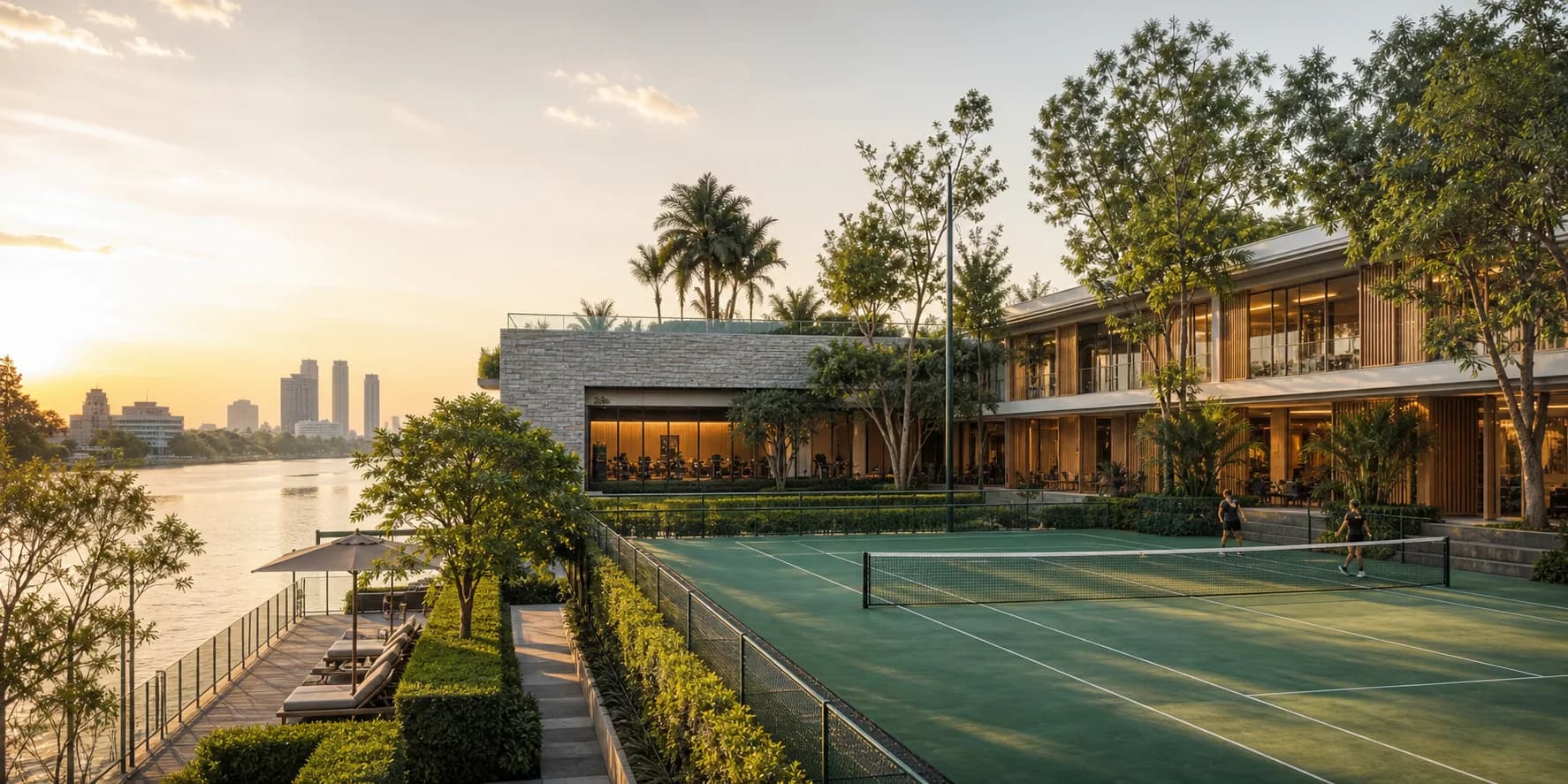
Courts, movement, and recovery rituals — a multi-service wellness demo workspace.
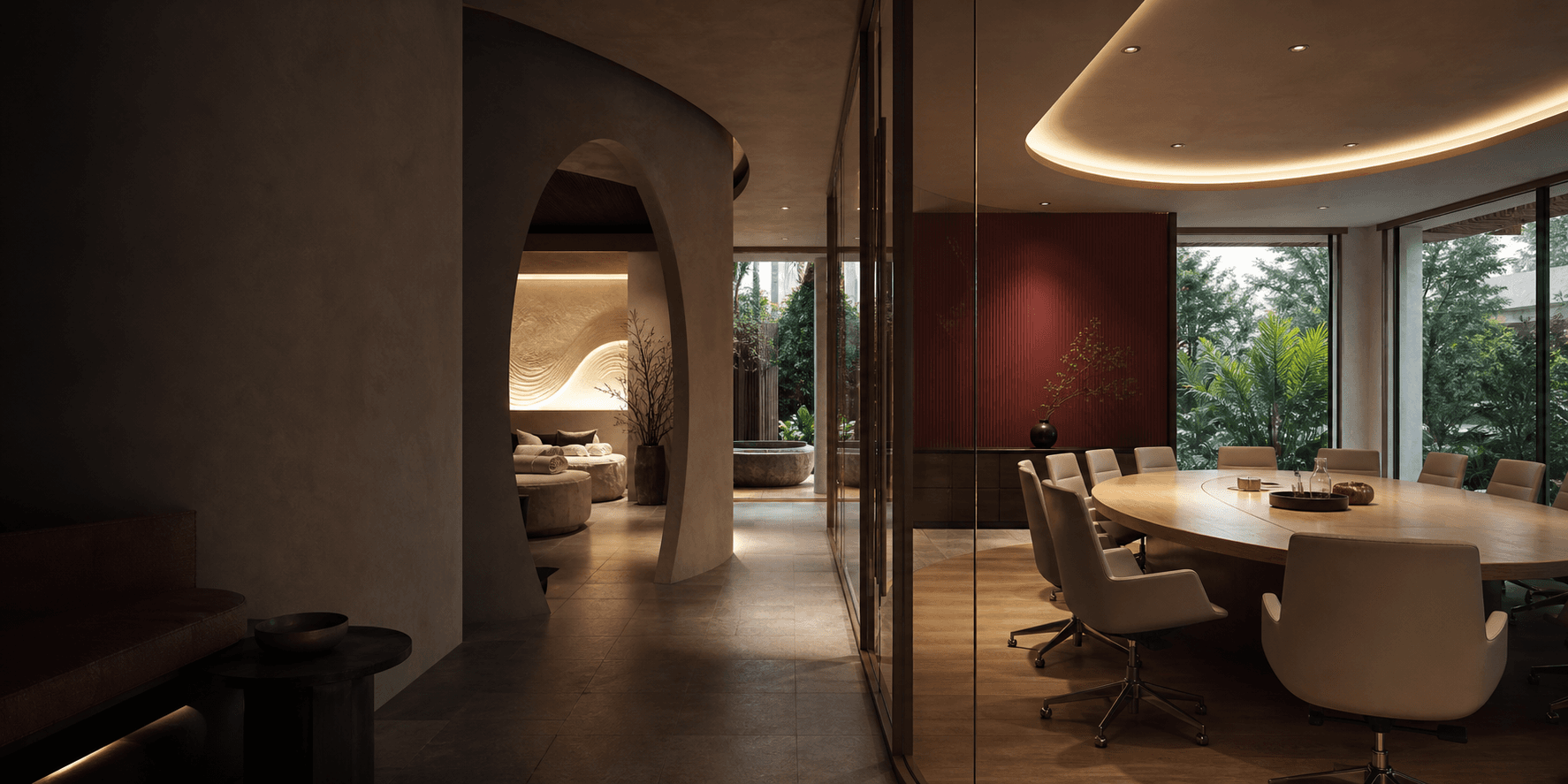
Focused meeting spaces and private wellness rituals in one hospitality-led demo.
Pricing
Start with a trial, then upgrade when you need more locations, staff, or features. Entitlements come from your active plan — we do not invent extras here.
Trial-friendly plan for new workspaces
Free
14-day trial
More capacity and online payments
THB 1,999.00/mo
14-day trial
Straight answers before you start a trial.